Preparing a book for publication is an exciting milestone. Whether you are publishing a corporate manual, an academic workbook, or a self-published novel, the A4 size (210 x 297 mm) is a versatile and widely accepted standard. However, knowing how to compose an A4 size book for printing requires more than simply typing in a word processor. To ensure your final physical book looks professional, you need to understand formatting, margins, and file preparation. Here is your essential guide to getting it right.
Perfecting Your Document Setup
The first step is setting up your page layout correctly before you start designing. For an A4 book, standard margins are crucial. You must account for the “gutter”—the inside margin where the book is bound. If your gutter is too narrow, text will disappear into the spine. Always add at least a 15mm to 20mm inside margin. Additionally, if your book includes images that stretch to the edge of the page, include a 3mm “bleed” so the printer can trim the pages without leaving white borders.
Typography and Visual Balance
A lengthy book can be exhausting to read if the layout is cluttered. Choose legible, professional fonts for the body text, keeping the size between 10pt and 12pt. Ensure your line spacing (leading) is comfortable, typically 1.2 to 1.5 times the font size. Use master pages in your design software to maintain consistent page numbers and headers across every chapter, ensuring your A4 pages look cohesive from cover to cover.
Understanding Imposition and Spreads
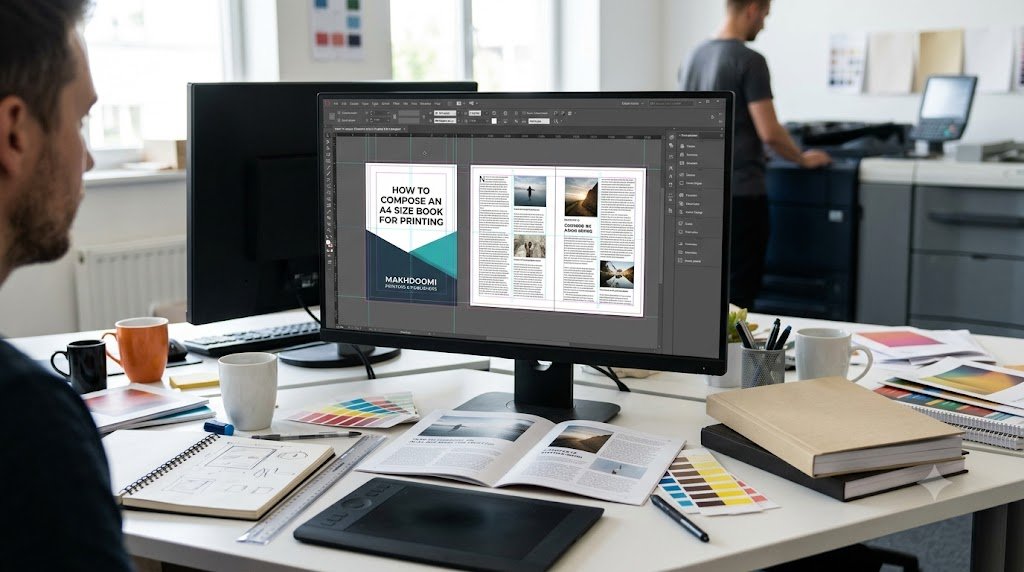
When learning how to compose an A4 size book for printing, you must consider how pages are actually printed on larger press sheets. Commercial printers rarely print single A4 pages one by one. Instead, two A4 pages are often placed side-by-side onto a larger A3 spread. For high-volume projects, multiple pages are formatted for larger paper sizes, requiring precise digital imposition to ensure pages fold and bind in the correct sequence. Designing in single pages but planning for these larger spreads ensures a smoother handoff to your press.
Exporting the Print-Ready File
Never send a native design file to the press. Always export your finished book as a high-resolution PDF. Ensure your color mode is set to CMYK, not RGB, to guarantee accurate color reproduction. Embed all fonts and verify that all linked images are at least 300 DPI.
How Makhdoomi Printers Can Help
Navigating the technicalities of book composition can be complex, but execution is where the real magic happens. Makhdoomi Printers specializes in handling intricate, high-volume book printing with absolute precision. We expertly manage advanced page imposition, seamlessly duplicating A4 pages onto A3 spreads, and executing complex cut-and-stack layouts for massive documents, even up to 312 pages on large 12×18 press sheets. By utilizing advanced Adobe InDesign automation and custom script setups, we ensure every single page is perfectly aligned, scaled, and trimmed. Bring your manuscript to life with flawless finishing and unmatched quality by partnering with Makhdoomi Printers today.